<NoAuthLogin />
Plug & play component that implements the fundamental methods of noauth.sh.
Compatible with popular frameworks like Vue, React and HTML Web Components.
By default, <NoAuthLogin /> attempts to perform authentication via Passkeys (WebAuthn) using the device's biometric sensor. It offers automatic alternatives for devices that don't have support.
- QR Code, which allows authenticating users through an external device, for example, a smartphone.
- OTP (One-Time Password) via email or webhook; also used to validate email address authenticity.
TIP
Customizable with props and CSS styles.
Try it
How it works
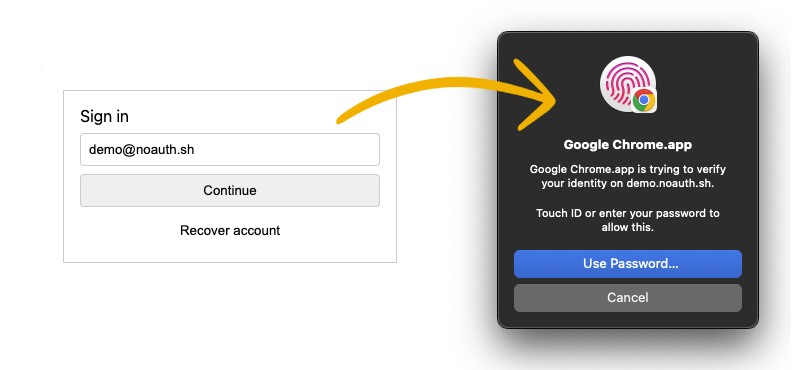
WebAuthn authentication flow
- The component detects Passkeys support in the user's browser.
- Requests the user to authenticate with biometrics (fingerprint/face).
- If successful, it emits a session result and continues with your application flow.
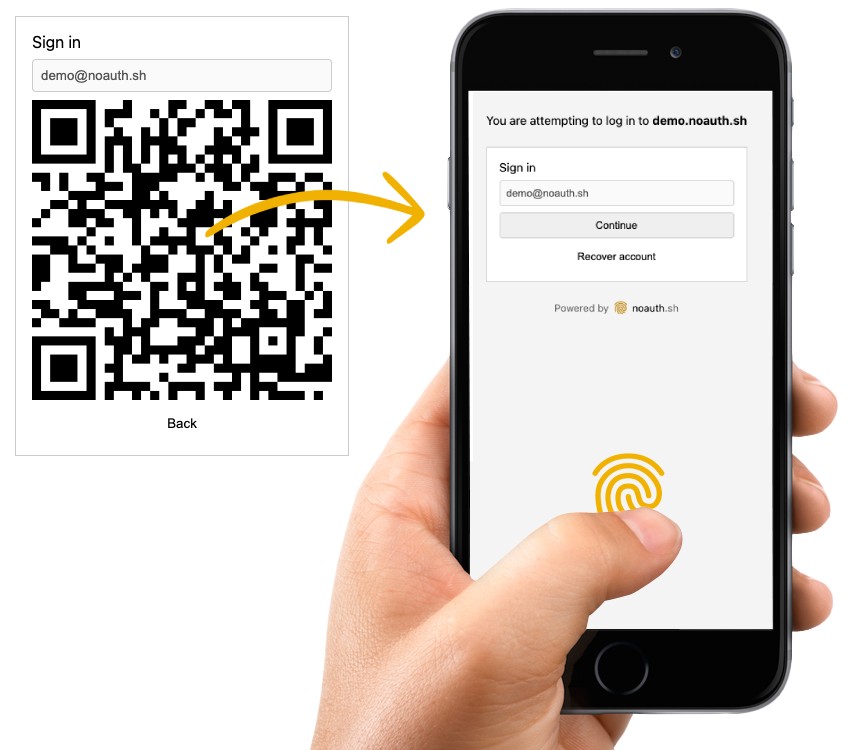
QR authentication flow (alternative)
- The component detects that the browser doesn't have Passkeys support and displays a QR code.
- The user scans it from their smartphone (with better sensors).
- Authentication is confirmed and the browser is updated with the session.
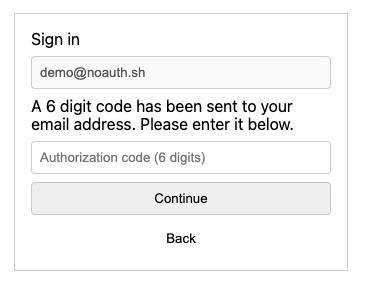
Account recovery with OTP
- The user enters their email.
- A one-time password (OTP) is sent.
- The user enters the code to verify their identity and create a new biometric credential.
Specific integrations
Check the integration guides for: